Email is the one system nobody notices until it stops. So when a growing Caribbean business decided to move off its ageing Exchange server and onto Microsoft 365, the brief was simple: get everyone across without the business feeling it.
Here's how ICT 365 planned and ran that move, and what we'd tell any business thinking about doing the same.
The challenge: an Exchange server that had stopped keeping up
The business had run its own Exchange server for years. It worked, but it was holding the team back:
- Growth was getting harder. More people and more storage meant more hardware and more admin.
- Upkeep took real time. Patching, monitoring and troubleshooting pulled the IT team away from other work.
- Security was basic. Sign-in protection and defences against phishing and malware were limited.
- Disaster recovery was thin. Backup and business continuity options were limited.
The goal was a cloud platform that would be easier to run, safer by default and ready for the next few years of growth.
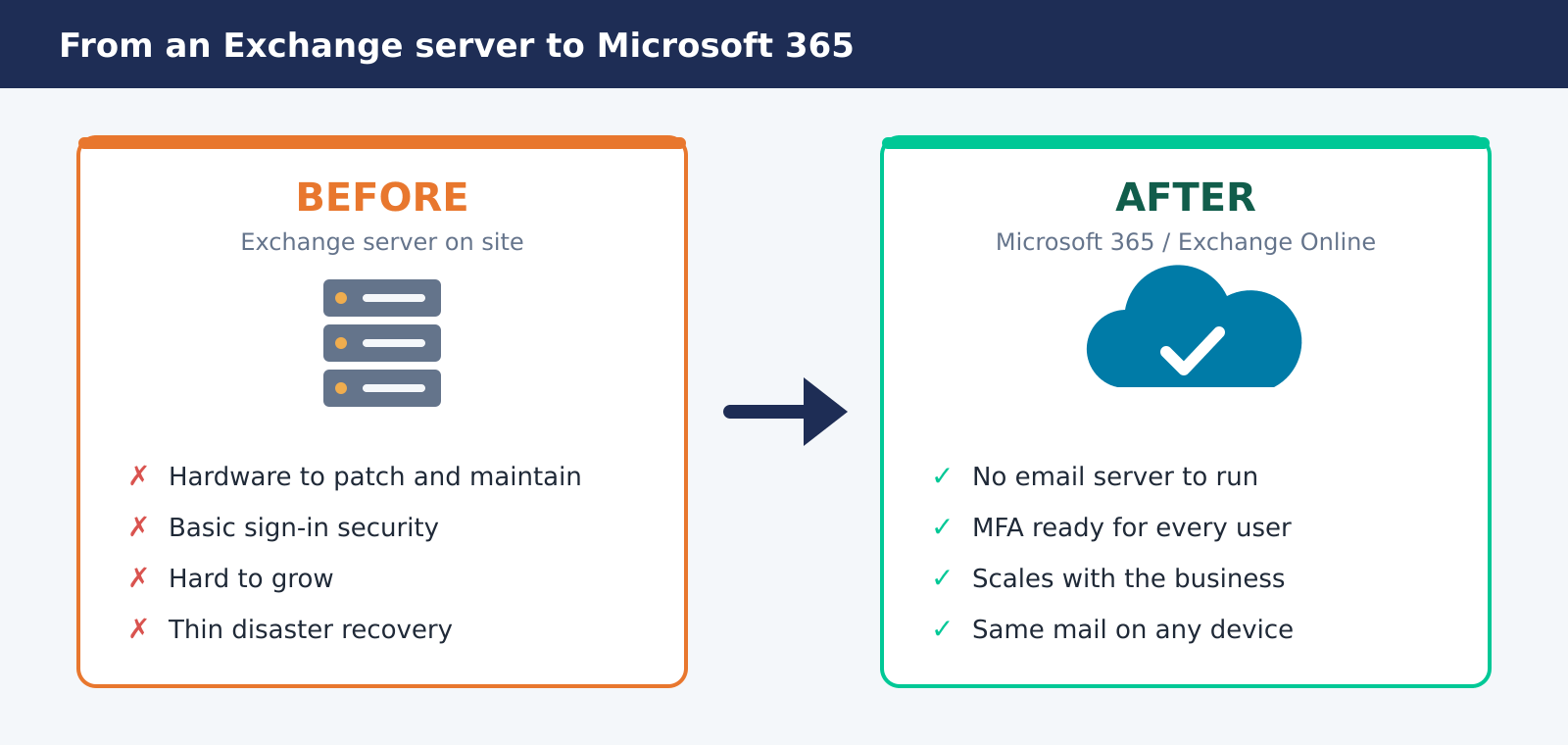
From an Exchange server on site to Microsoft 365: less to run, safer by default
The approach: pilot first, then everyone
We split the work into six phases, so each step was proven before the next one started.
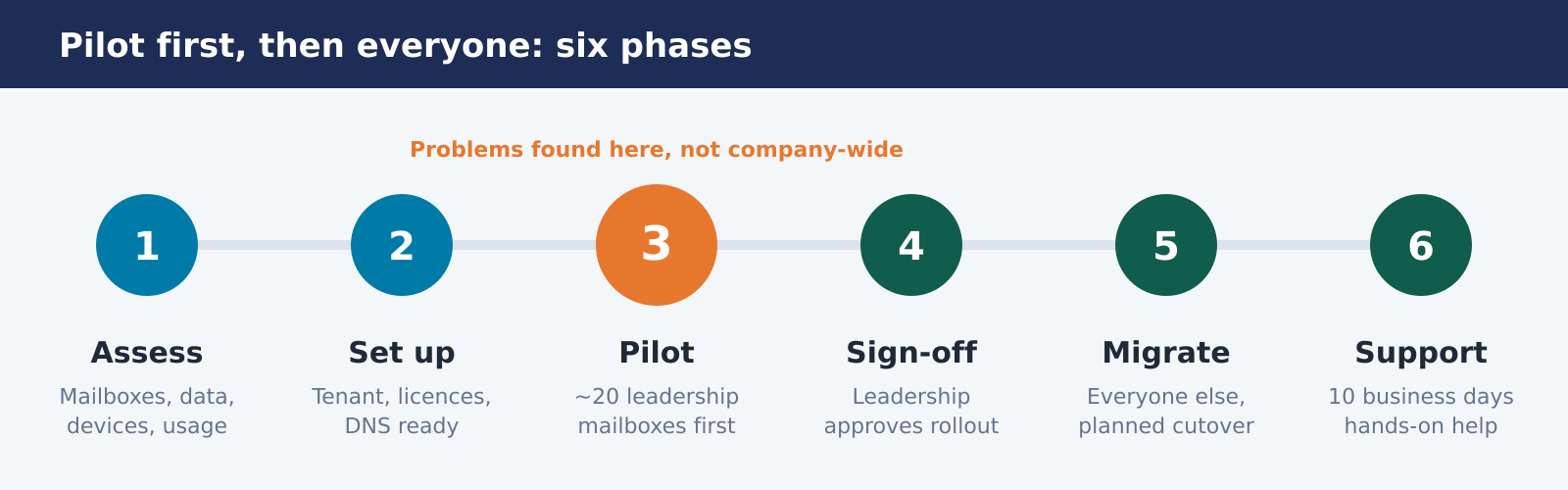
Pilot first, then everyone: each phase is proven before the next one starts
1. Assess and plan
We documented the existing setup: mailbox counts, data volumes, shared mailboxes, mobile devices and how people actually used email day to day. That fed a migration plan and timeline agreed with the business.
2. Set up Microsoft 365
We set up the Microsoft 365 tenant, configured Exchange Online, created user accounts and assigned licences. We also prepared the DNS changes (MX, SPF and Autodiscover) so mail flow could switch over cleanly on the day.
3. Pilot with the leadership team
About 20 senior staff moved first. They used their new mailboxes for real work, on desktop and phone, and told us what wasn't right. Their feedback shaped the main migration.
4. Sign-off
Once leadership was happy with mail, calendars and mobile access, they signed off the rollout to the rest of the business.
5. Full migration
The remaining mailboxes moved in a planned cutover, with mail flow pointed at Microsoft 365 at the end. The main move followed the same steps already proven in the pilot.
6. Hands-on support
For ten business days after cutover we supported staff directly: setting up Outlook, reconnecting phones and fixing access issues. We watched mail delivery and tenant health throughout.
Security: the part not to skip
Moving to Microsoft 365 is the best moment to tighten security, so we offered it as part of the project:
- Multi-factor authentication for every user
- Conditional Access policies to control how and where people sign in
- Exchange Online Protection tuned for anti-phishing and anti-malware
A cloud mailbox without these is still an easy target. With them, the attacks we see most in the region, stolen passwords and convincing fake invoices, get much harder. We use Microsoft Secure Score to measure where a tenant stands and track improvements over time.
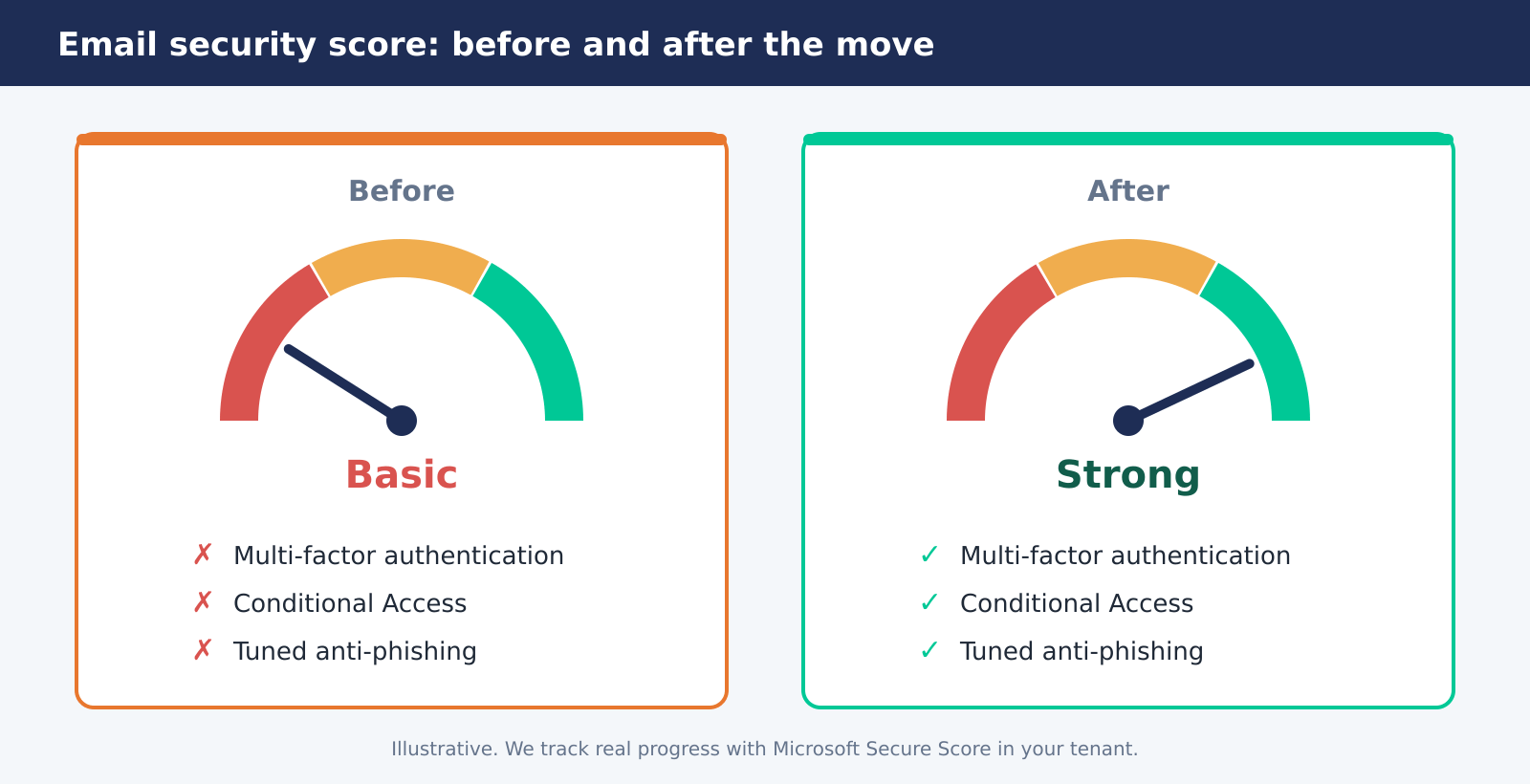
MFA, Conditional Access and tuned anti-phishing move the needle from basic to strong
What the business got
- A smooth move. Problems were found and fixed with 20 people, not the whole company.
- Less to look after. No more Exchange server to patch, back up and keep running.
- Better access. Email and calendars work the same in the office, at home and on the phone.
- A stronger security starting point. MFA and modern sign-in controls are ready for every user.
- Room to grow. A new starter needs a licence and an account, not a hardware project.
One thing Microsoft 365 doesn't do for you: backup
Many people assume that moving to Microsoft 365 means their email is backed up. It isn't, at least not the way most businesses expect. Microsoft keeps the service running and holds deleted items for a limited time. But if mail is deleted, encrypted by ransomware or lost when someone leaves, your recovery options are limited.
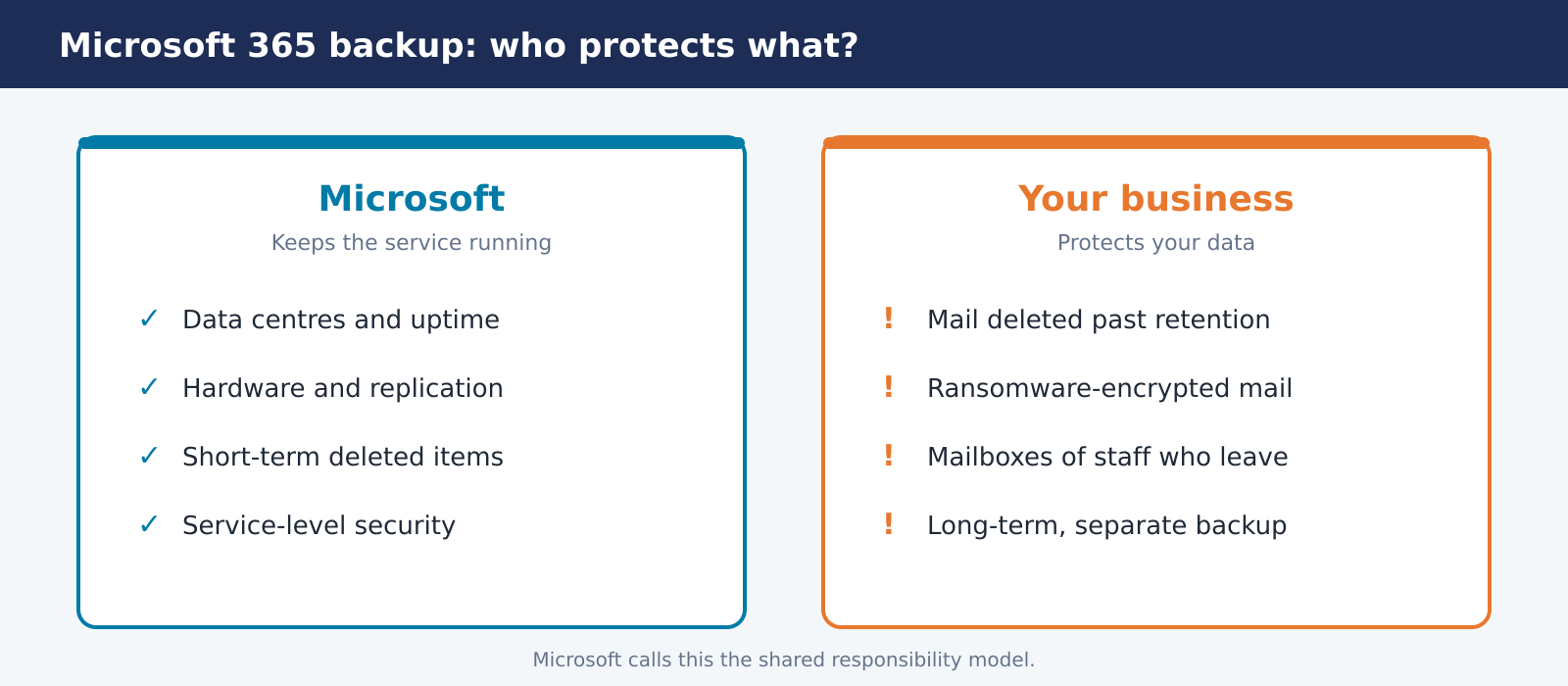
Microsoft keeps the service running; protecting your data is up to you
That's why we recommend a separate Microsoft 365 backup for every business we move. Read more in why Microsoft 365 backup matters.
Why this approach works
- 1Pilot first. Prove the process with a small group before it touches everyone.
- 2Get sign-off. Leadership should be confident before the rollout, not after.
- 3Support people, not just mailboxes. Most issues after a migration are about phones and Outlook, not data.
- 4Build security in. Turn on MFA as part of the move, not as a project for later.
- 5Back it up. Treat Microsoft 365 data like any other business data.
Thinking about moving your email?

Still running your own Exchange server, or moved to Microsoft 365 but never reviewed the security settings? Book a free email review at https://ict365.ky/contact and we'll tell you where you stand and what a move or clean-up would involve.
ICT 365 – IT services across the Caribbean
- Email: sales@ict365.ky
- Phone: +1 (345) 745-0365, Monday to Friday, 8am to 5pm
- Web: https://ict365.ky
Client name has been intentionally removed from this case study to protect confidentiality. References are available upon request.